Free 3D printing tools
Turn any image into a file
you can 3D print
Make reliefs and lithophanes in your browser for free, or let AI build a full 3D model from one photo. Every file comes out watertight, on a base and sized in millimetres.
- Free, no sign up
- Nothing is uploaded
- STL and 3MF in millimetres
Pick what you want to print
Four free tools that run in your browser, and two AI tools for full 3D models.
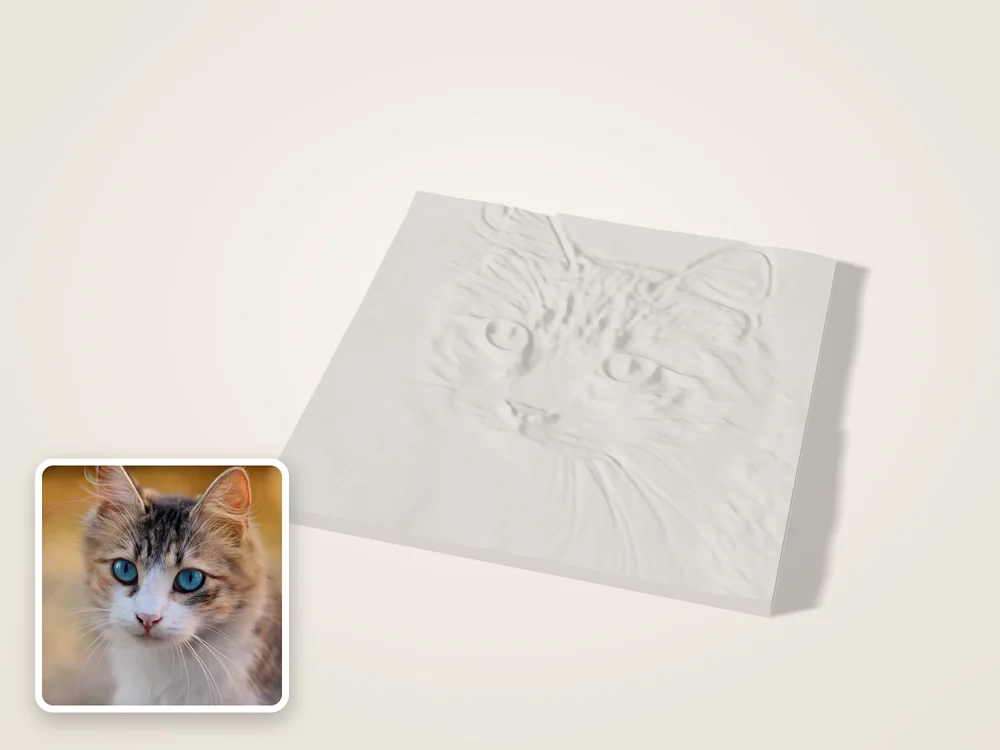 FreeImage to STLAny picture as a raised relief plate.
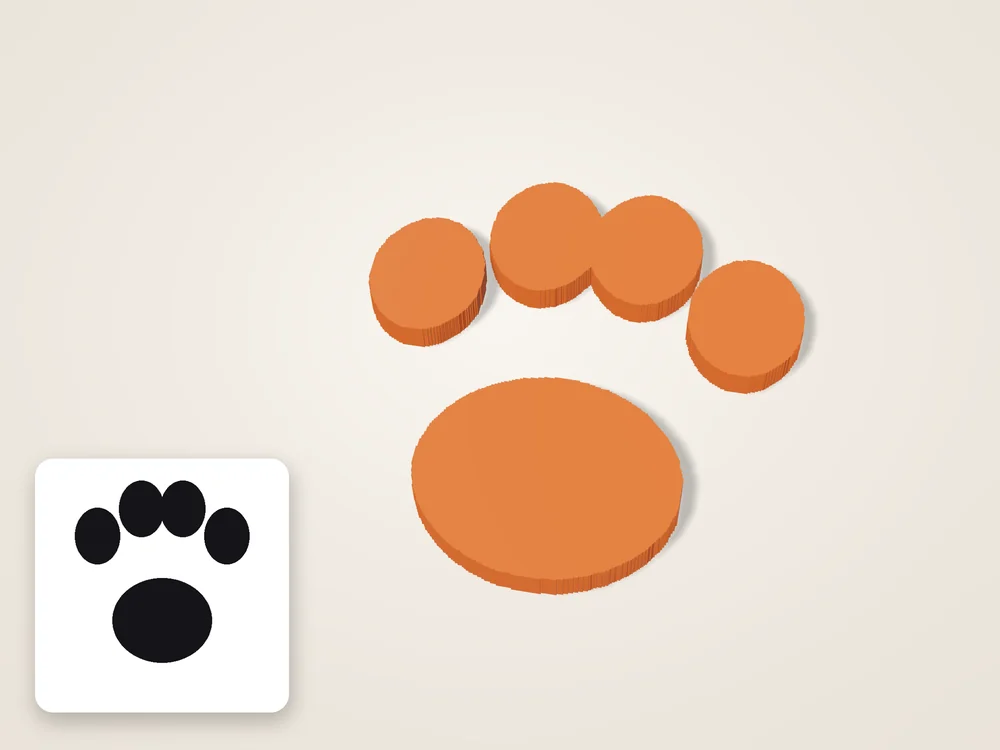 FreePNG to STLLogos and icons, cut out and extruded.
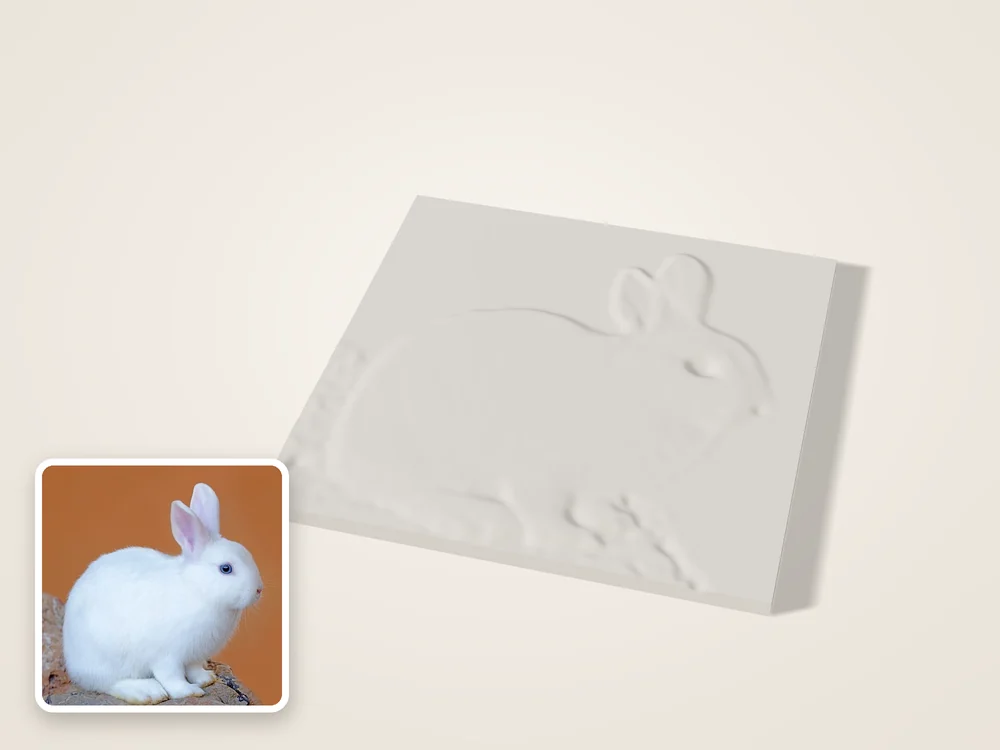 FreeJPG to STLPhotos as a soft, smoothed relief.
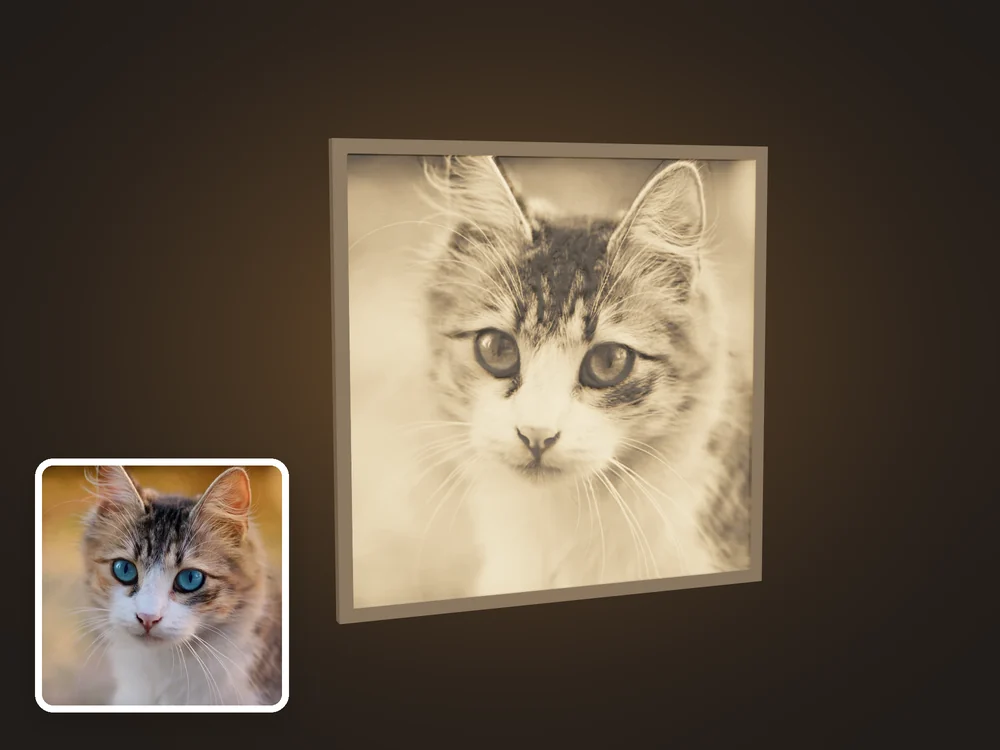 FreeLithophane makerA photo that lights up from behind.
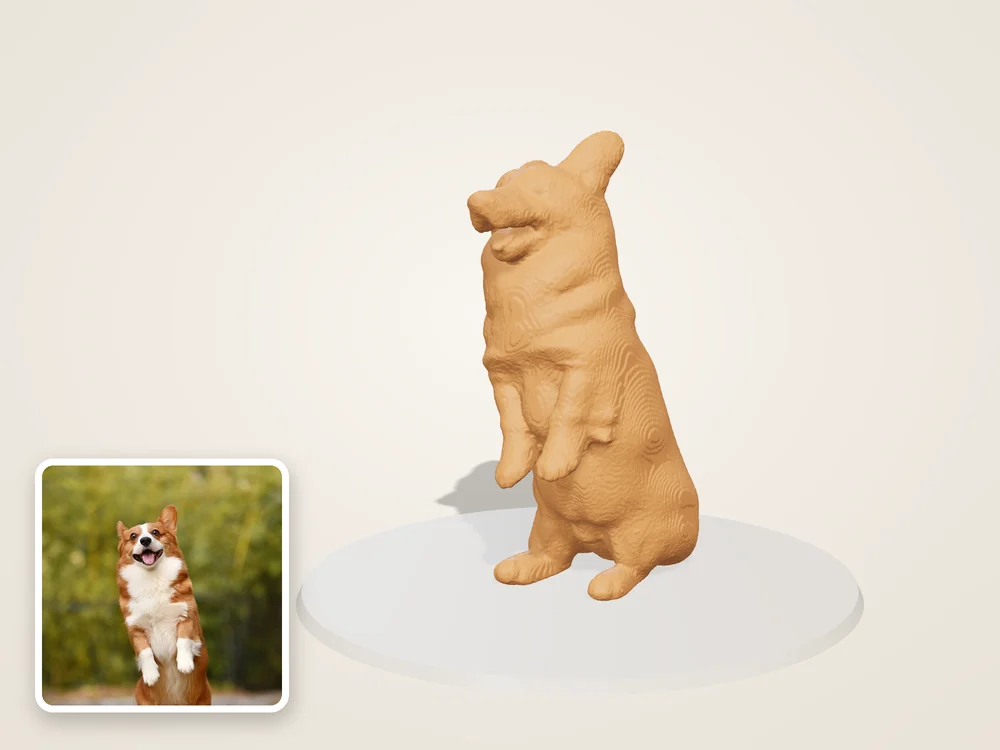 AIPhoto to 3D modelThe whole shape from one photo.
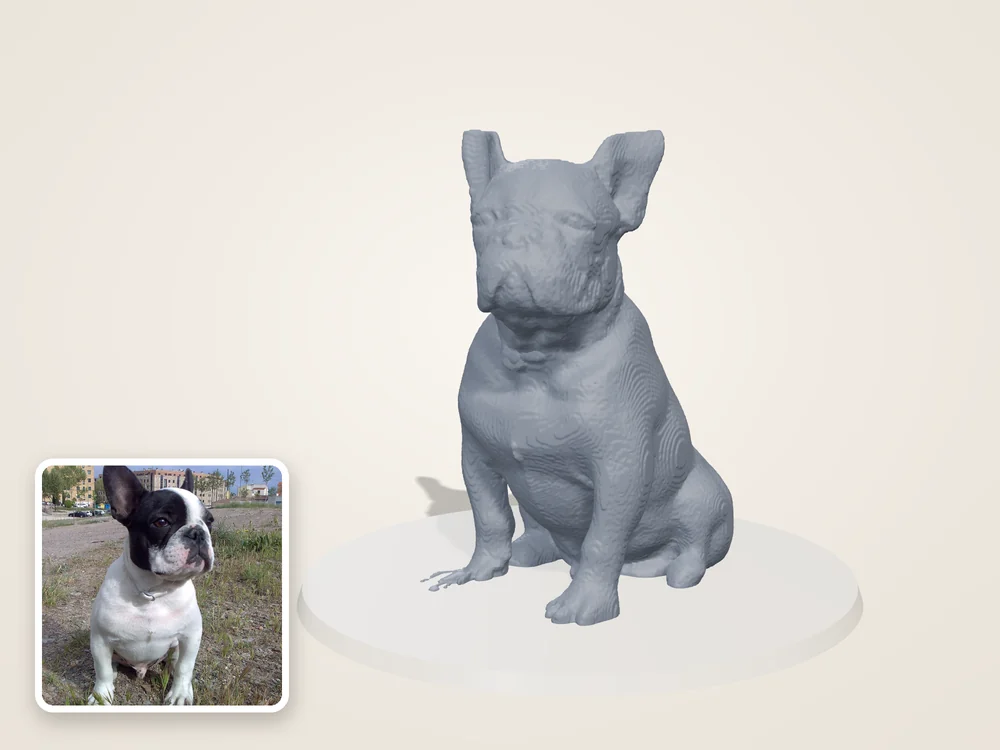 AI3D figurine from photoYour pet or a person, as a figurine.
Flat relief or full 3D model?
A relief raises the picture off a plate. The AI builds the whole object, back and sides included.
Files that print on the first try
Watertight and on a base
Holes are closed and a flat base is added, so your slicer accepts the file without repairs.
Sized in millimetres
Set the width or height you want. The file comes out at that size, no scaling needed.
Nothing is uploaded
Relief, lithophane and converter tools run on your device. Your images never reach our servers.
Works with every slicer
Standard STL and 3MF for Bambu Studio, PrusaSlicer, OrcaSlicer and Cura.
From a picture on your phone
to a print on your bed.
How it works
- 01
Drop an image
JPG, PNG or WebP. A sample is already loaded so you can see the result first.
- 02
Adjust size and depth
Set the width in millimetres and how far the image stands out. The preview updates live.
- 03
Download STL or 3MF
Open it in your slicer and print. No account, no limits.
Guides
Frequently asked questions
Is the image to STL converter free?
Yes. Relief, lithophane and format tools are free with no account and no limits. Only AI full 3D downloads are paid: credits from $4.99 for 3, down to $0.80 a model.
What is the difference between a relief and an AI 3D model?
A relief raises the image from a flat plate, like a coin. An AI model is a full 3D object you can view from every side, generated from one photo.
Are my images uploaded?
Not for the free tools: they run in your browser. Photos you send to the AI tool are uploaded to build the model and deleted after 24 hours.
Which printers and slicers does it work with?
Any. Files are standard STL or 3MF, sized in millimetres, and open in Bambu Studio, PrusaSlicer, OrcaSlicer and Cura.
What image gives the best relief?
High contrast and a simple background. Logos, line drawings and close up portraits give crisp results; busy landscapes look noisy.
How thick should a lithophane be?
For a 0.4 mm nozzle, 0.8 mm at the thinnest point and 3 mm at the thickest. Our lithophane guide covers other nozzle sizes.
Convert your first image
A sample is loaded already. Drop your own picture to replace it.
Convert an image